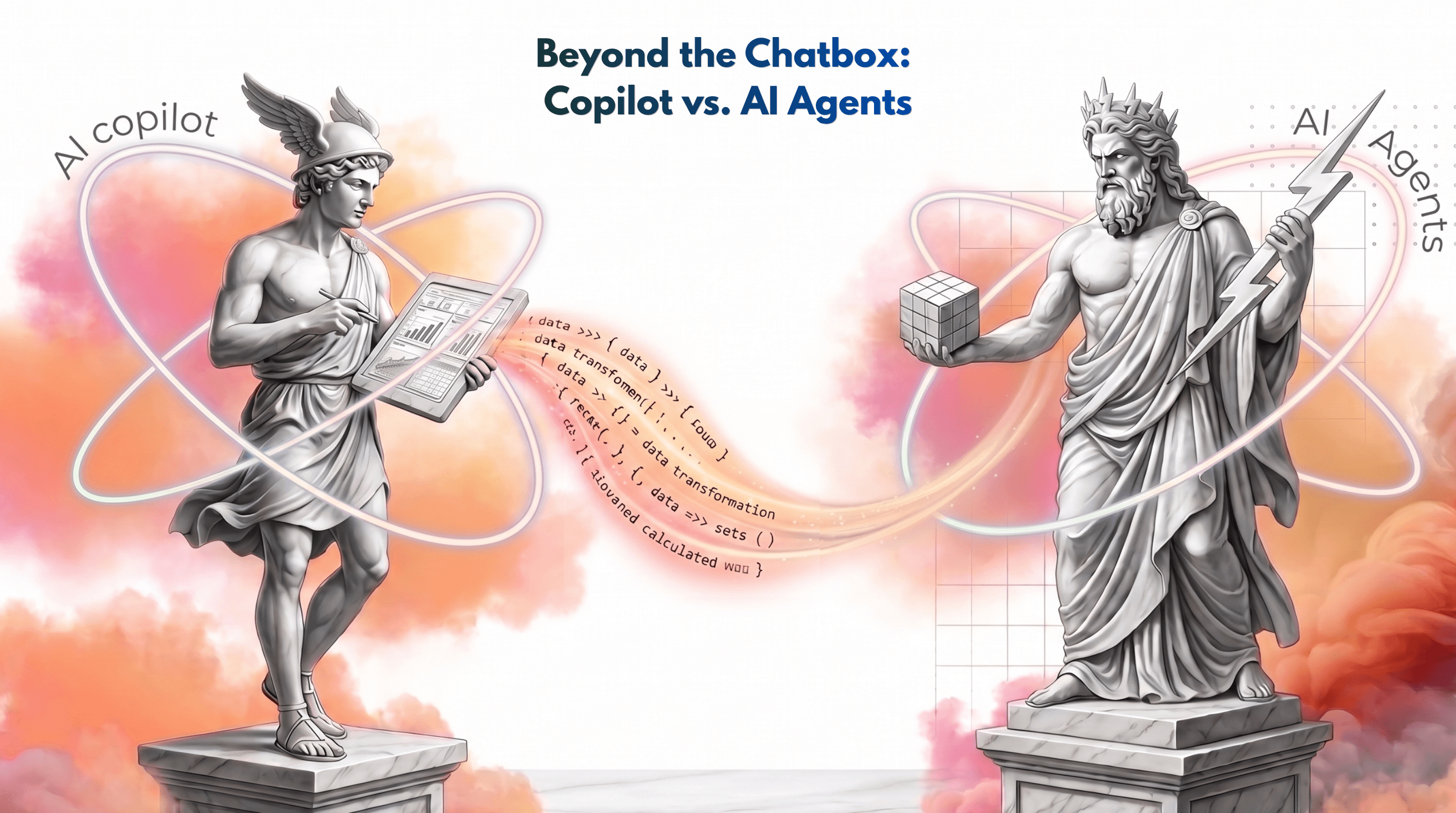
Adding AI to Microsoft Fabric and Power BI is a great way to boost productivity. However, you need to choose between two completely different tools: Copilot and AI Agents. One is a helper that works with you, while the other is an independent worker that can run tasks for you.
Understanding the difference tells you exactly where to spend your time and budget. Here is a practical look at how both tools work in Fabric, their pros and cons, and which one to choose.
The Main Difference: Helper vs. Independent Worker
At its core, the difference between Copilot and AI Agents comes down to how you interact with them. Both can answer business questions about your data, but they do it in different ways.
Copilot is your interactive chat partner - It is great for quick, on-the-spot questions. If you are looking at a Power BI report or working in Fabric, you can open Copilot and ask: "What was our sales revenue for the clothing department?" or "Summarize the main trends in this data." It gives you instant, smart answers, but it only works when you actively chat with it. Because it is so easy to use, it is the perfect tool to start with.
AI Agents are independent workers - An agent doesn't just wait for you to type a question. You give it a broader, ongoing goal. For example, you can set up an agent to: "Monitor daily clothing sales, and if they drop by more than 10%, find the reason and alert the team." It can run in the background, check the data automatically, and take action.
User focus - Copilot helps both business users (to quickly analyze an open report) and developers (to write DAX or SQL code faster). AI Agents are designed to automate repetitive business tasks, monitor data stability, or act as dedicated standalone bots for specific teams.
Triggering actions - Copilot gives you answers within your current screen. AI Agents can trigger actual workflows - like starting a Fabric data pipeline, updating another system, or sending an automated alert to a Teams channel when data changes.
Copilot as default - As a rule of thumb, start with solutions that are easier to adopt before investing all your resources into large-scale AI projects from day one. In many cases, the built-in Copilot capabilities available in the Power BI environment already deliver real value for end users without requiring complex implementations or extensive customization.
Data Sources: How Do They Get the Answers?
To answer a question like "How is the clothing department doing?", both tools need data, but they access it differently:
Copilot looks at your active session - It focuses on the specific report, semantic model, or notebook you have open right in front of you. It is perfect for deep-diving into that specific data source.
AI Agents can bridge multiple sources - An agent can look across different workspaces and silos. You can connect a single AI Agent to up to 5 different data sources at the same time (like combining data from a Lakehouse, a Data Warehouse, and separate Power BI models) to give a complete business answer.
Evaluating Copilot in Fabric: Your Built-in Assistant
Copilot is your go-to tool when you need fast answers or want to speed up your daily work. It acts as an on-demand consultant right inside your active workspace.
The Pros:
Instant business insights - Anyone can type a question like "Which product line had the highest sales last quarter?" and get an accurate answer immediately without building a new chart and deep-diving into the semantic model logic.
Speeds up development - It is a huge time-saver for technical tasks. It can help you write DAX measures, generate SQL queries, or draft Python code in notebooks in seconds.
Low barrier to entry - There is nothing to configure. If you have the right Fabric capacity and permissions, Copilot is just there, ready to use.
Great for summaries - It can look at a dense Power BI report page and instantly give you a bulleted text summary of the most important trends.
The Cons:
Strictly reactive - Copilot will never work on its own. If you don't log in and ask it a question, it does absolutely nothing.
Tunnel vision - It only knows about the file, report, or model you have open at that exact moment. It cannot easily connect the dots with data sitting in another workspace.
Use Copilot when you are actively building reports, troubleshooting DAX formulas, or doing ad-hoc text chatting to understand a specific dashboard.
Evaluating AI Agents: True Automation
AI Agents take the human out of the middle of the workflow. They are built for automation, monitoring, and handling complex tasks across multiple data sources.
The Pros:
Runs on autopilot - Agents can work in the background. You can set them up to monitor your data quality or track business KPIs hourly or weekly without manual prompting.
Cross-source intelligence - An agent can connect to multiple data sources simultaneously (up to 5 in Fabric). It can check a SQL Warehouse, look at a Lakehouse, and cross-reference a Power BI semantic model to find an answer.
Triggers real actions - Agents don't just talk - they do. An agent can send a message to a Microsoft Teams channel, trigger a Fabric Data Factory pipeline, or email a manager when a specific data event happens.
The Cons:
Relies heavily on good data modeling - If your semantic models or tables have messy names, vague descriptions, or poor structure, the agent will get confused and deliver wrong results. It requires clean metadata.
Higher setup effort - Unlike Copilot, you have to intentionally build, configure, and define the boundaries and goals for an AI Agent before it can do its job.
Use AI Agents for proactive operations-like automated data quality auditing, setting up smart business alerting systems, or creating a single chatbot that covers multiple departments.
Conclusion
Choosing between Copilot and AI Agents in Microsoft Fabric isn't an either/or decision. They are designed to work together to make your data ecosystem smarter.
Copilot is your ultimate real-time assistant. Use it to eliminate the blank-page syndrome - whether that means drafting a complex DAX measure, writing SQL, or quickly chatting with a specific dashboard to get a breakdown of last month's sales. It keeps the human fully in control while removing the friction of manual work.
AI Agents represent the next step operational automation. Use them when you want to stop staring at dashboards to find problems. By setting up an agent with a clear goal and clean data sources, you let the AI do the heavy lifting of monitoring, cross-referencing multi-workspace data, and alerting your team before a small data issue becomes a business bottleneck.
To get the most out of both, start by using Copilot today to speed up how you build and analyze reports. At the same time, look at your most repetitive data tasks - like weekly quality audits or KPI monitoring - and start designing your first Fabric Data Agent to handle them on autopilot.
Jakub Chyczewski
Business Intelligence Developer
May 29, 2026
Looking for a trusted partner for your next cloud project?
Reach out to us and tell how we can help
Featured

Cloudfide’s Business Intelligence Newsletter – SEPTEMBER 2026
Sebastian Jagniątkowski
Sep 14, 2026
Cloudfide’s Business Intelligence Newsletter – AUGUST 2026
Sebastian Jagniątkowski
Aug 10, 2026
Cloudfide’s Business Intelligence Newsletter – JULY 2026
Sebastian Jagniątkowski
Jun 26, 2026

Helpful Assistant, Not a Full Report Developer
Mateusz Malik
Jun 26, 2026