Semantic Model Design Checklist: Performance, Usability and Scale
30 min
Sebastian Jagniątkowski
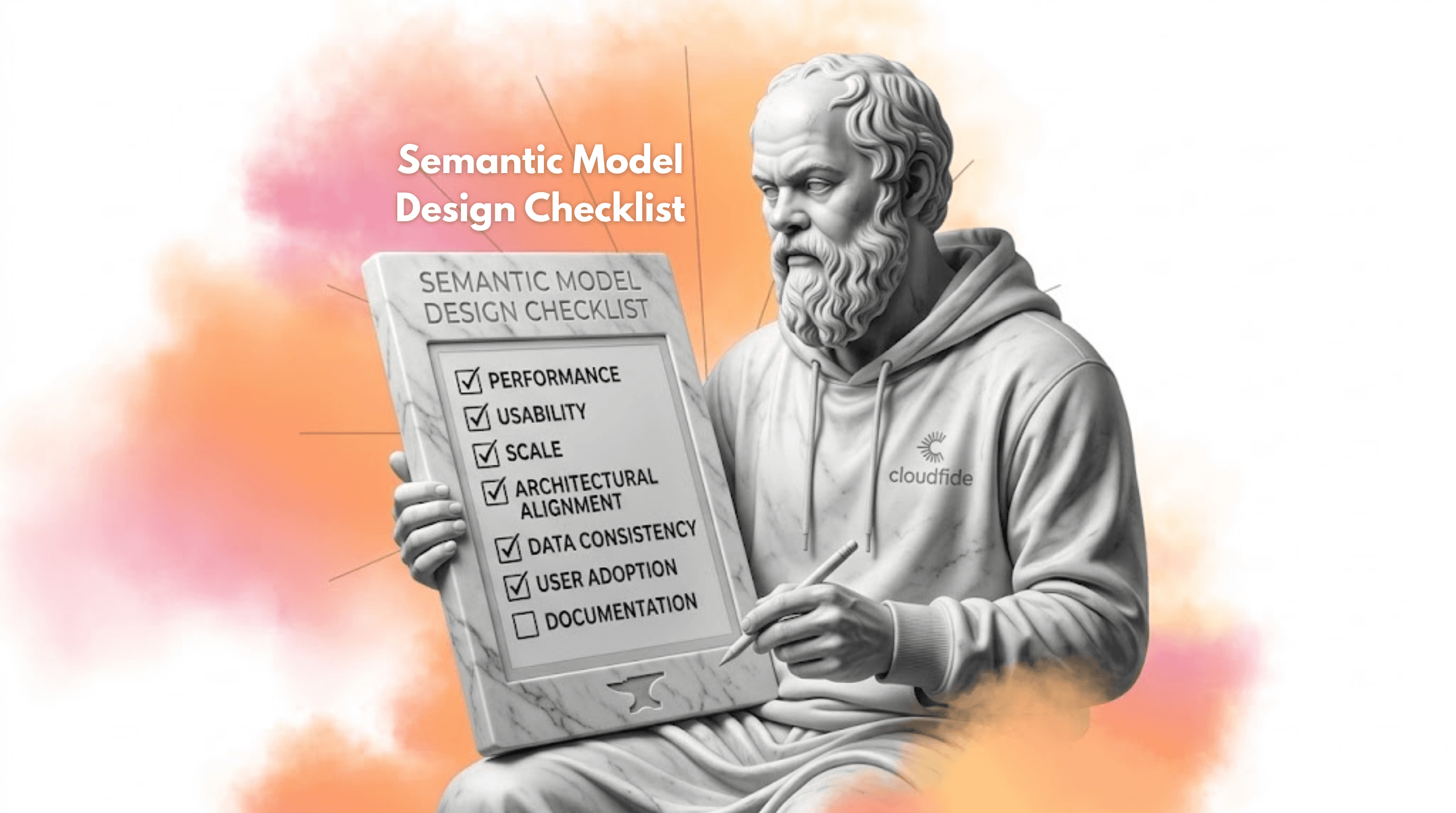
A well‑designed semantic model in Power BI is more than just a neat star schema. It’s the result of a series of key decisions made early in the design process. Each of these decisions affects not only how readable your reports are and how users perceive them, but most importantly how fast and scalable your semantic model will be, and whether your reports become a powerful asset or a bottleneck for the whole team.
Below is a compact checklist that structures the key areas you should pay attention to when building models and reports in Power BI.
Dimensional model
Starting with the fundamentals: Semantic models based on a classic star schema are easier to maintain, simpler for business users to understand and typically more performant. They also reduce the need for overly complex DAX, because most of the logic comes from a clean data structure. Key principles to remember:
Fact tables do not join directly to each other - they only connect to dimension tables.
Dimensions act as business‑friendly dictionaries for fact tables and should be understandable to non‑technical users.
Custom relationship paths between objects should be implemented via bridge tables, but the default relationship type should still be one‑to‑many.
Any deviation from these principles should be intentional and well documented - in practice, most business scenarios can be mapped to common dimensional modelling patterns.
Usability and maintainability
A technically correct model can still be painful to use if you neglect naming conventions, field organisation or documentation. The result is usually that “temporary” reports end up becoming official solutions, creating a growing risk of errors and high maintenance overhead. To keep it under control, focus on:
Consistent naming - tables, columns, measures and other objects should have unambiguous, business‑friendly names. Avoid cryptic abbreviations and overly long names; aim for clarity.
Parameterisation in Power Query - parameters for data sources, environments or row limits increase flexibility and make versioning and CI/CD pipelines easier to manage.
Measure organisation - keep your core measures in a dedicated measures table and group them into logical display folders, so the model is easy to navigate.
Hiding technical fields - technical columns (keys, helper flags, RLS columns, etc.) should be hidden from report authors and end users.
Clean, formatted DAX - regularly remove unused code and redundant comments, and keep a consistent DAX formatting style. This makes code reviews, maintenance and debugging much easier.
A model organised this way is readable not only for the original author, but also for other developers and self‑service users.
Controlling model size
Model size affects both refresh times and query performance, and in a Fabric context also directly drives compute and storage costs. Even with DirectLake, you should still aim for the smallest and most efficient model possible.
Practical steps:
Correct data types - set proper data types immediately after loading data. Deciding between DateTime and Date has a huge impact at scale, because each type uses a different amount of memory. The same logic applies to numeric types.
Fixed decimal instead of floating point - where possible, convert floating‑point columns to fixed decimal or currency types. This usually reduces cardinality and improves compression.
Aggregations and granularity - if reporting happens at a monthly level, daily grain may be unnecessary. Consider building a separate aggregated fact table at the right level of detail.
Remove unused elements - review your tables regularly and delete attributes and technical keys that are not used anywhere in reports or measures.
Filter data as early as possible - the primary way to reduce model size is to filter data at the source. If your report only covers European sales, records from other regions do not have to be loaded into this particular model.
Decisions made early in designing your model, such as how you structure data and manage its size, will affect performance, refresh times, and costs long after the model is built.
Query and DAX performance
Even a clean star schema can be slowed down by poor relationship design or overly complex measures. A performant model minimises complex filter paths and reduces the amount of work that has to happen at query time. Best practices recommendations:
Avoid many‑to‑many relationships - in most cases, it is better to build a classic structure with a bridge table, as M:M relationships often cause performance issues even in relatively small models.
Control bridge table size - if you do need a bridge table, keep it as lean as possible. The larger the table that participates in filter propagation, the slower your queries will be.
Prefer single‑direction relationships - single‑direction filters are easier to reason about and typically faster. Bi‑directional relationships should be the exception, not the default.
Watch for overly complex measures - if a measure grows into dozens of lines of DAX, it is often a sign that the model or the business logic is over‑engineered. Simplifying the model usually unlocks much simpler DAX.
A report is more than just attractive visuals. Behind every report that allows multiple filters and deep drill‑downs, there is always a data model. If this model is designed carelessly, it will either punish you with poor performance or cause major issues when scaling and refreshing the data.
Refresh performance
Import models are particularly sensitive to how data is prepared and how the refresh schedule is organised. Even a well‑compressed model can take too long to refresh if transformations and dataflows are not optimised. Practical guidelines:
Minimise heavy Power Query transformations - avoid Merge and Append steps that break query folding. Push heavy transformation logic as close to the source as possible (views, stored procedures, pipelines).
Plan refresh schedules wisely - do not stack all refreshes for the same model at the same time. If possible, move some refreshes outside of end‑user peak hours and away from peak load on your source systems.
Monitor refresh times - use Power BI Service monitoring to understand how long your key artefacts actually take to refresh and whether this is acceptable given the refresh frequency.
Conscious refresh management is one of the simplest ways to reclaim many hours of compute per month.
Incremental refresh
Incremental refresh is a critical feature for large fact tables where most of the historical data rarely changes. With a well‑designed partitioning strategy you can reduce refresh times by an order of magnitude. Important aspects:
Partitioning strategy - both the size and number of partitions matter. Partitions should be large enough to be efficient but still reasonably balanced to make parallel processing effective.
Tuning incremental refresh settings - features such as “Detect Data Changes” help you refresh only partitions that actually contain changed records.
Periodic full refresh - to minimise the risk of accumulating errors or drifts, schedule a full refresh of all partitions from time to time, ideally outside of business hours or over a weekend.
A well‑designed incremental refresh combines a solid understanding of your data source, infrastructure constraints, and business requirements. Properly implemented, it reduces refresh times and, as a result, lowers compute and resource usage.
Conclusion
Investing time in semantic model design pays off at every stage of your analytics journey: from the very first reports, through scaling to hundreds of users, all the way to controlling compute and storage costs. A model that is small, consistent, performant and well documented becomes a stable foundation for self‑service analytics at scale.
Treat your semantic model checklist as a living project document. Build a team‑level or project‑level checklist, keep it in your documentation, and revisit it during new project phases, performance reviews and architecture migrations. This is a simple but powerful way to ensure that each new model is slightly better than the previous one.
Sebastian Jagniątkowski
Business Intelligence Developer
Mar 31, 2026
Looking for a trusted partner for your next cloud project?
Reach out to us and tell how we can help
Featured

Cloudfide’s Business Intelligence Newsletter – SEPTEMBER 2026
Sebastian Jagniątkowski
Sep 14, 2026
Cloudfide’s Business Intelligence Newsletter – AUGUST 2026
Sebastian Jagniątkowski
Aug 10, 2026
Cloudfide’s Business Intelligence Newsletter – JULY 2026
Sebastian Jagniątkowski
Jun 26, 2026

Helpful Assistant, Not a Full Report Developer
Mateusz Malik
Jun 26, 2026